Members' Platform

Home » Our Community » Members’ Platform Eudonet

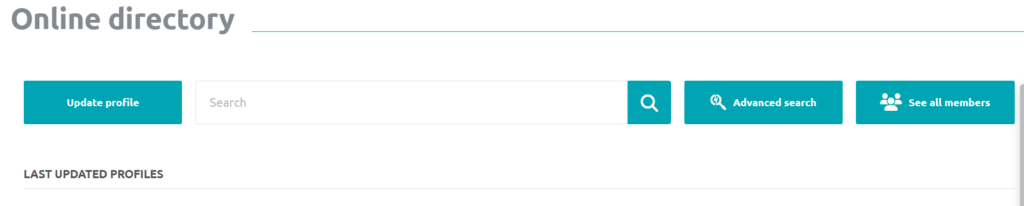
Join EMN’s Members’ Platform

The EMN Members’ Platform is a dedicated space for EMN members to connect, exchange with other members, access relevant resources, and stay updated on EMN activities, events, and publications.


This guide explains how to access the platform for the first time, complete your profile, manage your privacy settings, and use the main features available.

1. First login

To access the EMN Members’ Platform, go to:

EMN website → Our Community → EMN Members’ Platform

or access it directly through the platform link.

As an EMN member, your email address is already registered in the platform. To access your account for the first time, you will need to create your password.

Follow these steps:

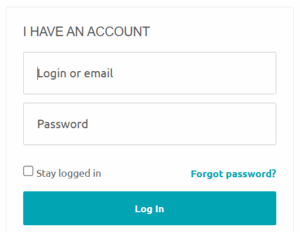
  1. Click on “I have an account”.
  2. Enter the email address associated with your EMN membership.
  3. Click on “Forgot Password”.
  4. Enter your email address in the “You are a member” section and confirm.
  5. You will receive an email with a link to create your password.

Please note that the password reset link is temporary and valid for 2 days. We recommend completing this process shortly after receiving the email.

Once your password has been created, you can log in to the platform.
 

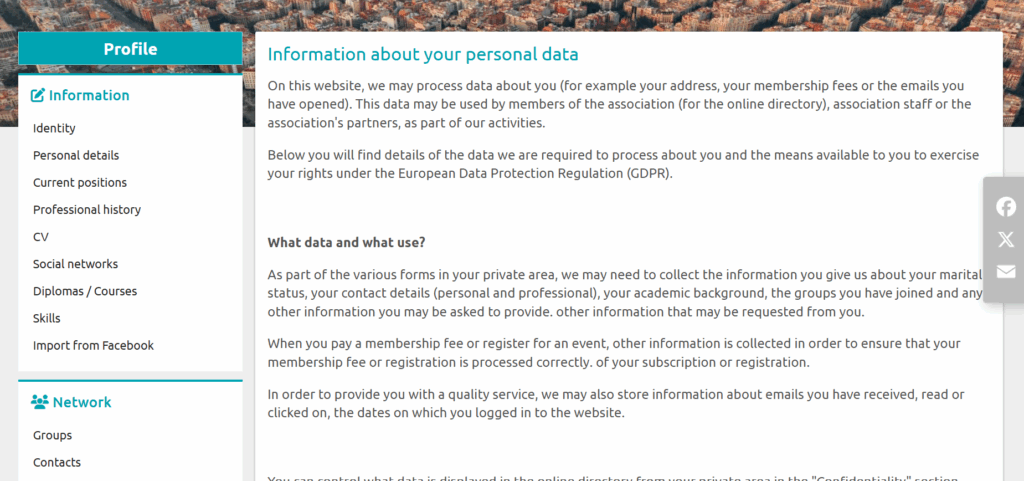
2. Privacy statement and personal data

When accessing the platform for the first time, you will be asked to accept the privacy statement.

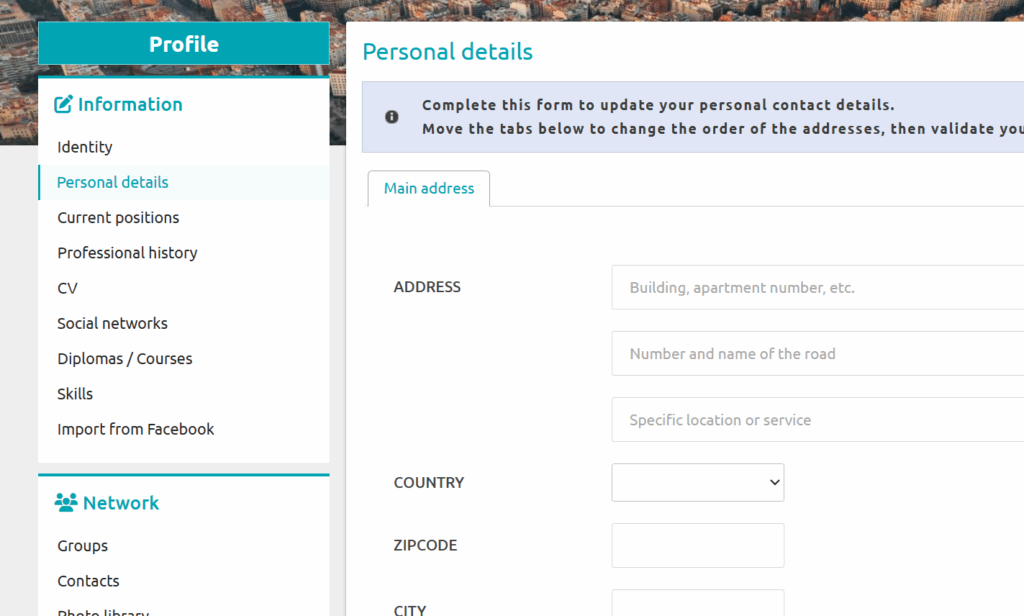
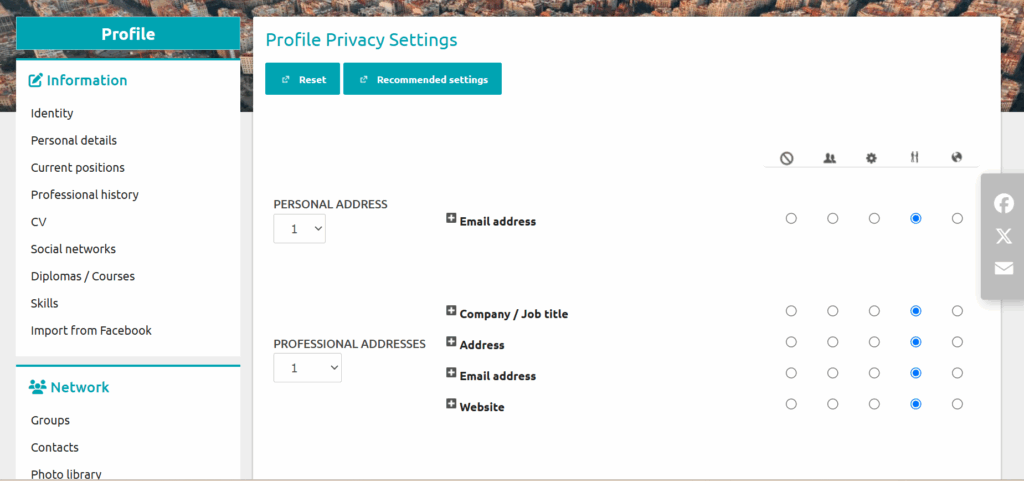
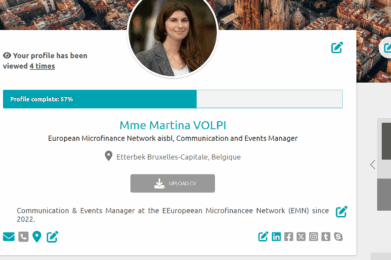
After this step, you can update your profile information and choose which personal and professional details you would like to make visible, as well as who can access them.

Your privacy preferences can be modified at any time through your profile settings.

3. Complete your profile

You can personalise your profile by adding:

  • A profile picture
  • A background picture
  • A short description
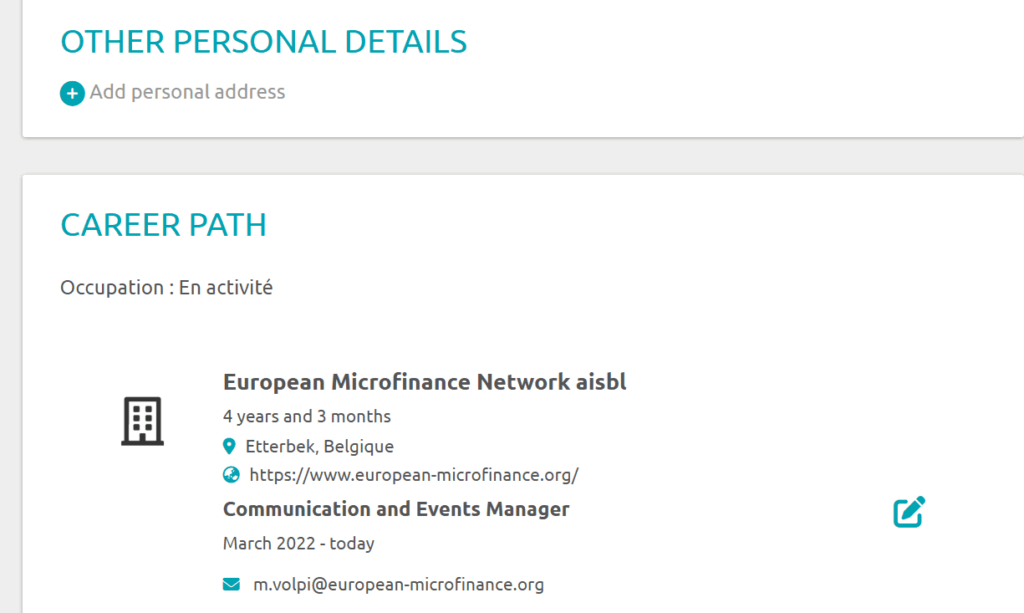
  • Personal and professional information
  • Your CV

You can upload different versions of your CV and select which version you would like to display on your profile by following the platform instructions.

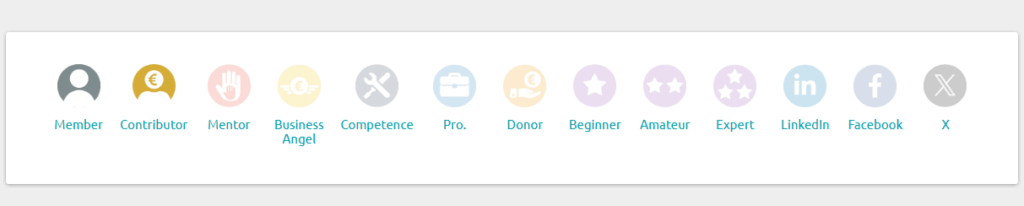
Your information will automatically appear in the “Badges” section. The “Member” badge indicates your connection with EMN. Other categories available on the platform are standard platform features and do not represent EMN membership categories.

You can also add your social media profiles to your account.